RTA E-Scooter Permit Online: Official Application Steps (2026)
RTA E-Scooter Permit Online: Official Application Steps (2026)
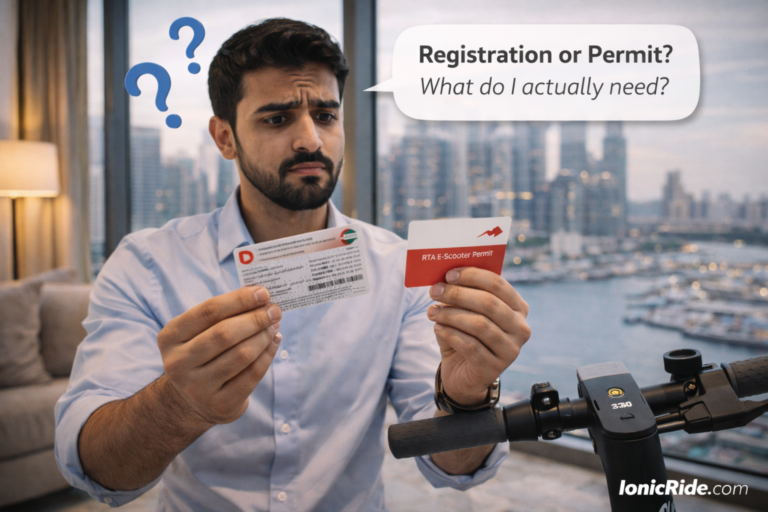
Dubai’s Roads and Transport Authority (RTA) offers a free electronic permit for eligible e-scooter riders aged 16 or older.
The application process has changed over time. Current applicants may use the RTA website, the RTA Dubai app or the Dubai Now app, and applicants who are not exempt must complete online training and pass a theory test.
This guide follows the current RTA service information. Check the official service page before applying because channels, screens and requirements can change.
Who Can Apply?
RTA states that anyone aged 16 or older can apply for the free Electrical Scooter Driving Permit. The permit applies to riding in areas and streets designated by RTA.
According to RTA, holders of a valid UAE driving licence, a valid international driving licence, or a driving licence issued by an RTA-listed exception country do not need a separate e-scooter permit. Check the current RTA wording for your particular licence before riding.
What You Need
Application checklist
RTA requirements| Item | Current guidance |
|---|---|
| Age | 16 years or older |
| Identification | Emirates ID or passport details, depending on applicant status and channel |
| Mobile access | A registered phone number capable of receiving an OTP |
| Account | RTA account, Traffic File or UAE Pass as requested by the selected channel |
| Fee | Free |
RTA’s current service information does not describe a universal selfie or front-and-back document upload workflow. Follow the prompts shown in the official channel you use.
Official Application Steps
- 1
Open the official service
Use the RTA Electrical Scooter Driving Permit service, RTA Dubai app or Dubai Now app.
- 2
Log in or create the required account
On Dubai Now, log in with UAE Pass. On the RTA website, follow the instructions to create an RTA account or Traffic File if required.
- 3
Verify your identity
Enter the requested Emirates ID or passport information. RTA may send an OTP to the registered mobile number.
- 4
Complete the awareness training
Review the official lessons covering riding rules, safety, scooter requirements, permitted areas and relevant traffic signs.
- 5
Pass the theory test
RTA currently describes a 20-question theoretical test with a 30-minute time allowance. If you do not pass, the service allows you to retake it.
- 6
Download the electronic permit
After passing, receive and download the digital permit. RTA says it is also available in My Docs in the RTA Dubai app.
RTA currently lists the service time as approximately one hour. This is an official service estimate, not a guaranteed completion or approval time.
Where the Permit Applies
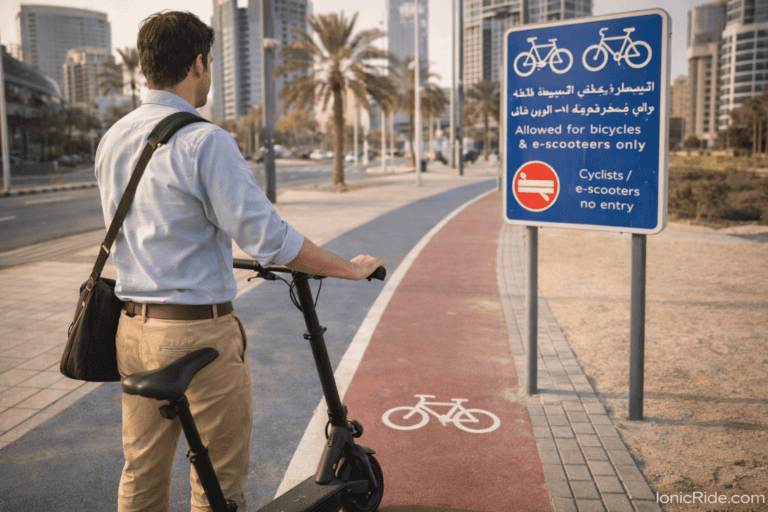
The permit authorises riding only in areas and streets designated by RTA. It is not permission to use every road, pavement or public space. Follow signs, designated tracks and current RTA instructions.
RTA’s published safety requirements include riding individually, wearing a helmet and reflective clothing, avoiding passengers or loads that affect balance, dismounting at pedestrian crossings, keeping a safe distance and avoiding riding outside designated or shared lanes.
Important Clarifications
IonicRide cannot verify claims that permits are approved instantly or within 24 hours. Allow the time stated by RTA and follow any instructions shown during your application.
RTA does not publish evidence that selfies, lighting or one particular upload issue causes most rejections. If an application fails, review the official error and contact RTA when necessary.
Do not assume this Dubai permit establishes your eligibility in another emirate. Check the responsible authority’s current rules before riding outside Dubai.
The RTA e-scooter permit is free and available to eligible applicants aged 16 or older. Non-exempt applicants must complete the awareness material and pass the online theory test. Use an official RTA channel, download the electronic permit and ride only in authorised areas.
Apply through an official channel