E-Scooter Battery Not Charging Dubai 2026: 12 Reasons & Solutions (Heat Issues)
Your e-scooter plugs in… and nothing happens. Charger stays green. Or it turns red for 2 seconds then goes green again. Or the app says “charging” but the battery percentage doesn’t move.
In Dubai, this problem is extra common because heat and sand create “false failures.” I’ve seen riders in Dubai Marina get quoted AED 900 for a “dead battery” when it was a dusty charging port. I’ve also seen the opposite: a real battery pack failure that got “patched” until it became a safety risk.
This guide gives you a shop-style diagnosis flow — 12 real causes, what to check first, what you can DIY, and when you must stop and take it to a repair shop.
Before Anything: The 3 Dubai “Not Charging” Patterns (So You Don’t Chase the Wrong Fix)
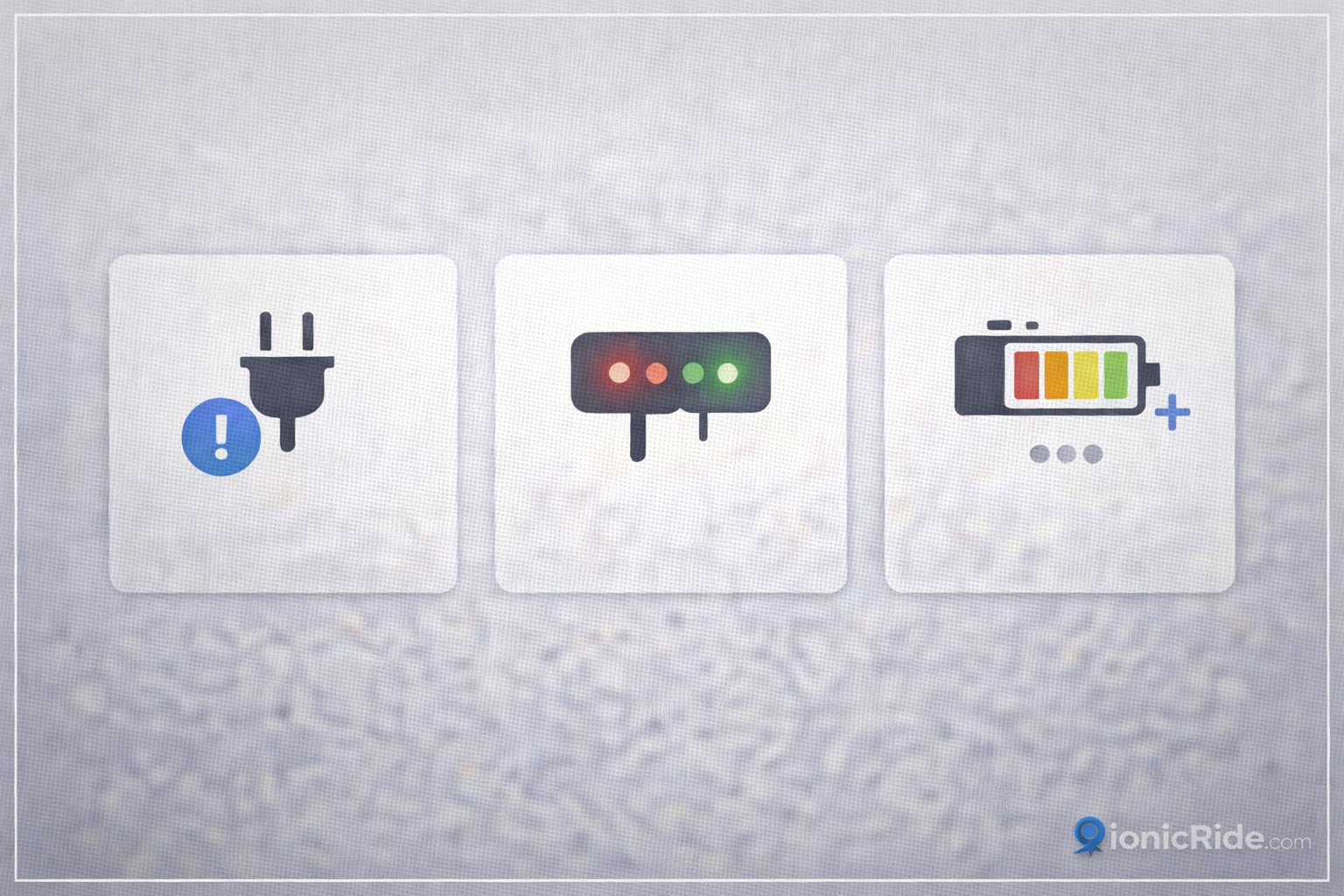
When someone says “my e-scooter battery not charging,” it can mean three different things. Each has a different root cause.
No charge at all (0 response)
No beep, no charge icon, no red LED, nothing. Usually charger/power source/port contact. Sometimes blown fuse/charge circuit.
Charger goes red briefly then back to green
Classic “handshake failed.” Often heat lockout, a short at the port, or an internal charge path fault. Common after a hot ride from JLT to Marina.
It “charges” but percentage barely moves
Battery health issue, imbalance, BMS limit, or wrong charger voltage. This is where people get tricked into buying the wrong part.
Ride → immediately charge → fails is usually heat lockout, not a dead battery. If it only charges at night with AC on, that’s a huge clue.
The Fast Diagnostic Flow (Do This in Order)
Here’s the thing…
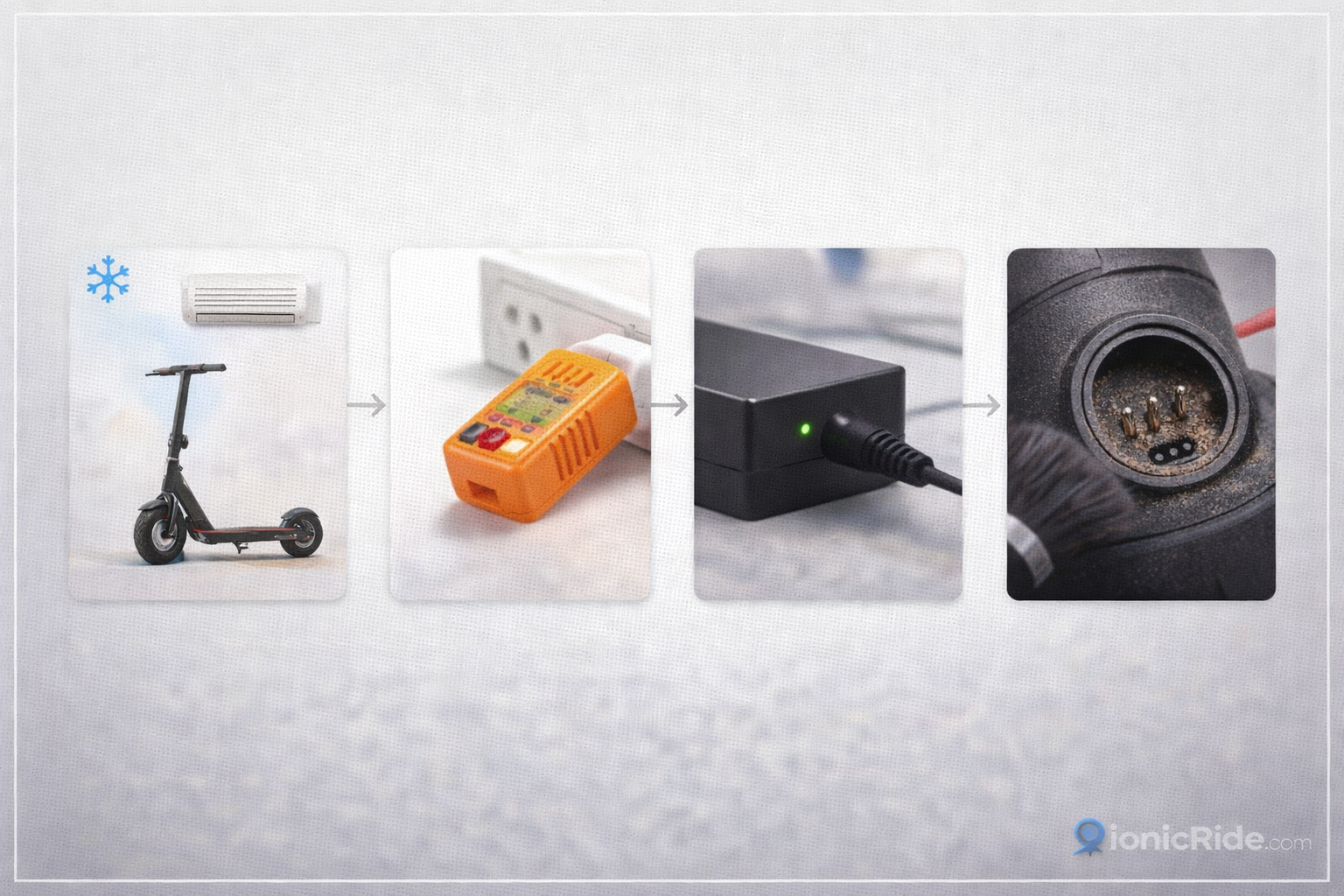
Good troubleshooting is not “try random fixes.” It’s a sequence that eliminates the cheap/easy causes first, before you open anything.
- 1
Change the environment (Dubai heat test)
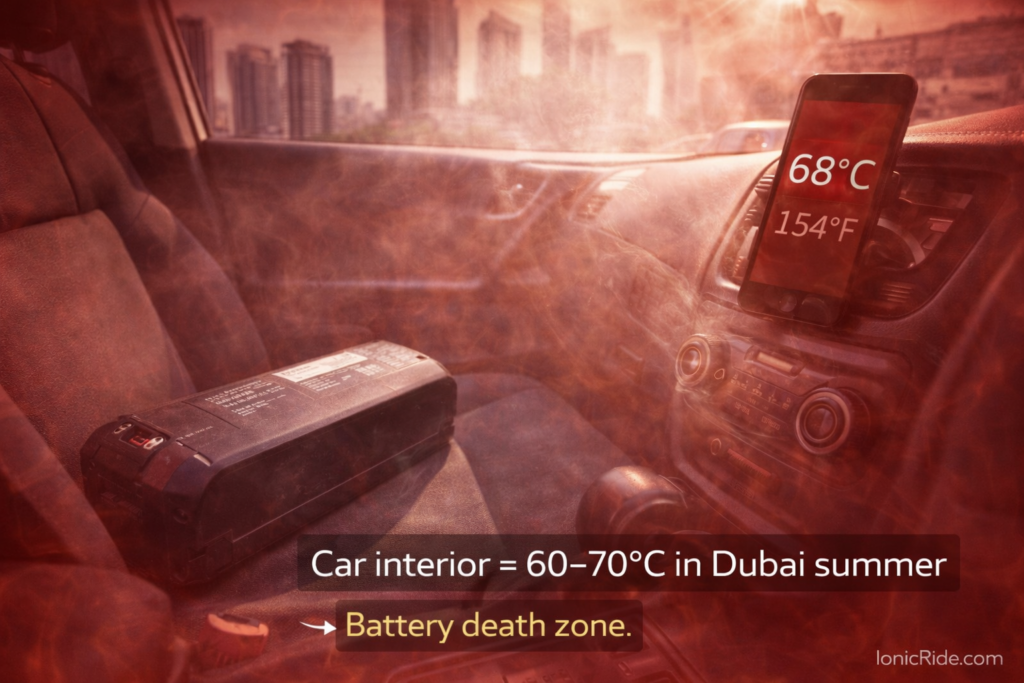
Move the scooter into an air-conditioned room for 30–45 minutes. Then try charging again. Dubai heat can trigger charging lockout near the upper safe charging range.
- 2
Prove the wall socket is good
Try a different socket (preferably on a different circuit). Avoid cheap extension cords — they cause voltage drop and weird charger behavior.
- 3
Observe the charger LED behavior
Most chargers show green = idle, red = actively charging. If it never goes red, it’s not delivering current to the battery.
- 4
Inspect the charging port
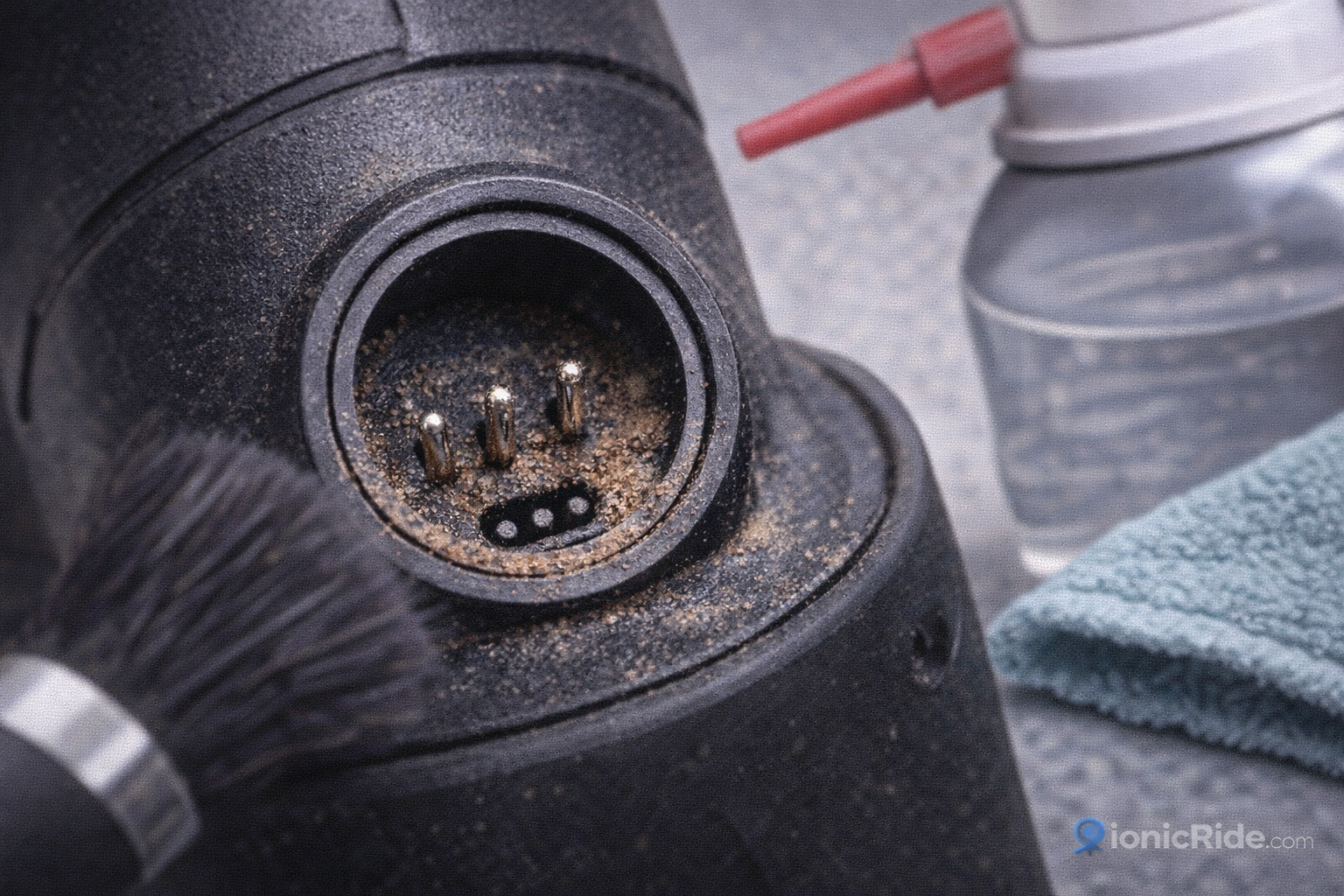
Look for sand, corrosion, or bent pins. Dubai dust/sand intrusion is a top cause of “not charging.”
- 5
Only then: consider opening the deck / diagnostics
If the above fails, you’re likely in electrical territory: charge circuit, BMS, wiring harness, or battery pack condition.
If your charger LED turns red and then quickly flips green while the scooter is still low battery, treat it like an electrical fault or heat lockout — don’t keep “forcing” repeated charge attempts. That’s how connectors burn.
12 Reasons Your E-Scooter Won’t Charge (Dubai 2026) — With Fixes + AED Costs
Here’s the full list we use in the workshop. Start at #1 and move down. Most riders solve it before #6.
Not Charging Causes — Quick Map
12 REASONS| Cause | DIY? | Typical Cost | Risk |
|---|---|---|---|
| #1 Heat lockout / battery too hot | Yes | AED 0 | Low |
| #2 Dead charger / wrong charger | Yes | AED 80–300 | Low |
| #3 Loose plug / bad wall socket / extension drop | Yes | AED 0–40 | Low |
| #4 Sand/corrosion/bent pin in charging port | Sometimes | AED 0–120 | Medium |
| #5 Charge port short / damaged port | No | AED 80–250 | High |
| #6 Blown fuse / charge circuit fault | No | AED 120–400 | High |
| #7 Battery over-discharged lockout | Sometimes | AED 0–250 | High |
| #8 BMS protection / temperature sensor fault | No | AED 100–300 | High |
| #9 Battery pack imbalance / degraded cells | No | AED 350–1,800 | High |
| #10 Firmware / app glitch / BMS software weirdness | Sometimes | AED 0–150 | Medium |
| #11 Water ingress / humidity corrosion (Dubai winter wash) | No | AED 120–450 | High |
| #12 Internal charger failure (some models) | No | AED 250–700 | High |
But here’s where it gets interesting…
Cause #1 — Heat Lockout (Dubai’s #1 “Fake Failure”)
Dubai summer is brutal, but even in February 2026 you can heat-soak a battery pack if you ride hard (high speed, heavy rider, hills/bridges, headwind). Most lithium packs will refuse to charge if they’re above the safe charging temperature range.
Workshop story: A delivery rider came in from Downtown, angry because the scooter “died.” The charger stayed green. We left it in the shop AC for 45 minutes. It charged perfectly. The pack wasn’t dead — it was hot and protected itself.
- Bring it indoors (AC) for 30–45 minutes.
- Charge at night (lower ambient).
- Don’t charge immediately after a ride on Sheikh Zayed Road service lanes.
- If your building has a cool storage room, use that — not the balcony.
Cause #2 — Charger Failure (Or Wrong Charger)
This is the easiest win. Many brand support docs literally start with “check the charger light.” If the charger is dead or wrong voltage/current, you can’t charge — period.
Dubai-specific problem: people buy a “compatible” charger from Dragon Mart that fits the plug, but voltage/current is wrong. It might light up… but it won’t charge correctly (and can damage the pack long-term).
Plug the charger into the wall only. Does it show a normal idle light (often green)? Then plug into scooter. Does it switch to “charging” (often red)? If it never changes, the charger may not be delivering current or the scooter is refusing it.
Cause #3 — Wall Socket / Extension Cable Voltage Drop
In older apartments (especially parts of Deira, Bur Dubai, and some older JLT clusters), loose sockets and cheap extension cords cause voltage drop. Chargers become unstable: they click, flicker, or flip red-to-green.
- Try a different wall socket (different room).
- Avoid long extension cords.
- Make sure the plug is seated firmly — not half-in.
Cause #4 — Sand / Dust / Corrosion in the Charging Port
If you ride in Marina, JLT, or anywhere near construction dust, your charge port is a sand magnet. A tiny grain can stop full contact. A slightly bent pin makes it worse.
✓ Safe DIY Cleaning
- Turn scooter OFF.
- Use a dry soft brush or compressed air.
- Inspect pins with phone flashlight.
- Make sure connector seats fully.
✗ Don’t Do This
- Don’t pour water or WD-40 into the port.
- Don’t “scrape” pins with metal tools.
- Don’t force the plug if it feels misaligned.
Cause #5 — Damaged Charge Port (Short / Broken Solder / Loose Harness)
If the charger LED turns red for a second then green, and the port feels loose, you might have a short or broken connection. This is a repair job: resolder, replace the port, or repair harness.
If you smell burning plastic near the port, stop immediately. Disconnect and take it to a shop. That smell is the warning before a melted connector.
Cause #6 — Blown Fuse / Charge Circuit Failure
Some scooters have a fuse or protective element in the charging path. If it blows, everything looks “normal” externally — but no current flows. This often happens after using a cheap charger, water ingress, or a port short.
Now here’s what most people miss…
People assume “fuse = easy DIY.” On e-scooters, the fuse might be buried inside the deck next to the controller and battery harness. Opening the deck incorrectly can break seals and invite corrosion. If you’re not comfortable, don’t turn a charging issue into a water-damage issue.
Cause #7 — Battery Over-Discharged (Deep Sleep / Lockout)
If you left the scooter unused for weeks (common during travel), the battery can drop into over-discharge protection. Some packs refuse to take a normal charge until “woken” safely. This is one of the most expensive mistakes because a truly over-discharged pack can suffer permanent damage.
We see this after summer trips: owner returns, scooter won’t charge, so they buy a random charger and leave it plugged in for days. That’s how packs swell. If it’s been unused for months, get it checked.
Cause #8 — BMS Protection / Temperature Sensor Fault
The BMS (battery management system) is the battery’s brain. If it detects unsafe temperature, imbalance, or sensor failure, it can block charging. In Dubai, temperature sensor issues are more common than people think because heat cycles are brutal.
Charges for a few minutes then stops. Or it only charges in AC. Or the app shows weird temperature readings. At this point, you’re beyond simple DIY.
Cause #9 — Battery Pack Imbalance / Degraded Cells
This is the “it charges but never reaches 100%” problem. Or it charges to 70–80% and stops. Or it charges to 100% but dies in 3 km. That’s usually cell imbalance or degradation. Dubai heat accelerates degradation — especially if you fast-charge (or charge immediately after riding).
If you’re seeing fast drain or charge stopping early, read this before you spend money: E-Scooter Battery Replacement Dubai: Cost by Brand, Where to Buy (2026)
Cause #10 — Firmware/App Glitch (Charging Display Lies)
Sometimes the scooter/app shows “charging” but the battery percentage doesn’t move for 30–60 minutes. A small delay is normal (especially near full). But if it happens repeatedly, you may have firmware issues or a BMS reporting glitch.
- Power cycle the scooter fully (off, wait 30 seconds, on).
- Try charging with the scooter OFF (many models prefer this).
- If your brand app supports it, check for firmware updates — but don’t update mid-problem unless you can keep it stable.
Cause #11 — Water / Humidity Corrosion (Dubai “Winter Wash” Damage)
Dubai doesn’t get much rain, but when it rains, scooters get washed, sprayed, and parked wet. Add humidity and you get corrosion at connectors — especially around the charging port and deck seal.
If you rode in rain or washed the scooter recently and now it won’t charge, don’t keep trying. Disconnect and get it inspected. Repeated charge attempts on wet connectors can burn components.
Cause #12 — Internal Charger Failure (Some Models)
Some scooters have an internal charger module (often related to a 3-pin charging port design). When it fails, you’ll see strange symptoms: charger behavior looks “okay,” but battery doesn’t take current, or charging stops instantly. This is workshop territory.
DIY vs Shop: What You Should (and Shouldn’t) Attempt
The bottom line?
In Dubai, DIY is great for basic checks. But you should not DIY anything that risks shorting high-current connectors. Here’s a clean boundary line.
✓ Safe DIY (Do it)
- Cool-down test (AC room, 30–45 min)
- Different wall socket test
- Charger LED behavior test
- Visual port inspection + dry cleaning
- Try a known-good original charger
✗ Stop DIY (Go shop)
- Burning smell, heat near port
- Charger flips red→green instantly every time
- Water ingress suspected
- Deck needs opening and you’re not experienced
- Battery pack swelling / unusual heat
Need a shop near Marina/JLT/Downtown/Deira? Use our directory: E-Scooter Repair Dubai: 20 Shops With Prices & Wait Times (2026)
What to Tell the Shop (So You Don’t Get the “Battery Dead” Script)
Want to instantly separate real technicians from guessers? Give these details. It speeds diagnosis and reduces the chance of a lazy upsell.
- Your model + battery voltage (36V / 48V) if you know it.
- What the charger LED does (green only / red then green / stays red).
- Whether it happens only after riding (heat clue).
- Any recent rain/wash exposure.
- A 10-second video of the port and plug seating.
We’ve had customers from Downtown bring in a scooter where two places quoted “battery replacement.” Our meter showed a healthy pack — the charging port had one bent pin and sand packed behind it. That fix is AED 60–120, not AED 900. Ask for measurements.
In Dubai 2026, “not charging” is usually not a dead battery — it’s heat lockout, charger failure, or a dirty/damaged charging port.
Do the cool-down test first. Confirm the wall socket. Watch the charger LED behavior. Inspect the port for sand and bent pins. If the charger flips red→green instantly, you smell heat, or water is involved — stop DIY and go to a shop.
If you do need a battery, don’t guess — diagnose first and use the battery replacement guide to understand fair costs.
One-Page Checklist: Fix “Not Charging” in Dubai (Fast)
- Cool the scooter in AC for 30–45 minutes, then try charging again.
- Switch to a different wall socket (no long extension cord).
- Check charger LED behavior (green idle, red charging — typical).
- Inspect/clean the charging port (dry only).
- If still failing: don’t force it — go shop (port/charge circuit/BMS).
Still stuck? Don’t burn money on a “battery guess.”
Send your model + a quick video of the charger LED behavior and charging port. We’ll tell you the most likely cause and the fair Dubai price range for 2026.