How to Get Your RTA E-Scooter Permit in 15 Minutes (With Screenshots)
Customer came in yesterday. Bought a Xiaomi scooter. Asked: “Can I just start riding, or do I need something?”
I showed him my phone. Opened the RTA app. “You need this. Takes 15 minutes. Free. Do it while your scooter charges.”
He sat down. Followed the steps. Fifteen minutes later, he had his permit.
Here’s exactly how to do it—step by step, with screenshots so you don’t mess up.
Before you start: do you even need a permit?
Not everyone needs this permit.
✓ You DON’T need a permit if:
- You have a UAE driving license (car, motorcycle, any type)
- You have an international driving license
Your license already covers you. You can ride immediately. Keep your license with you when riding.
✗ You NEED a permit if:
- You’re 17+ with no driving license
- You’re a tourist without a license
- You have a learner’s permit (not full license)
You must complete the training and get the e-scooter permit before riding legally.
Still confused? Here’s the rule: If you can legally drive a car in the UAE, you can ride an e-scooter. If you can’t drive a car, you need the e-scooter permit.
What you’ll need
Have these ready before you start:
- Emirates ID (for UAE residents) OR Passport (for tourists)
- UAE mobile number (you’ll get an OTP verification code)
- Smartphone or computer with internet
- 15 minutes of uninterrupted time
That’s it. No documents to scan. No fees to pay. No photos to upload.
Three ways to apply (pick one)
As of January 2026, RTA made this easier. You now have three options:
- RTA Website – rta.ae (desktop or mobile browser)
- RTA Dubai App – Download from App Store or Google Play
- Dubai Now App – Download from App Store or Google Play
All three work exactly the same. Use whichever you already have installed.
Use the RTA Dubai app. It’s faster, and you’ll have your permit saved in the app automatically. Plus, you can check violation history and pay fines later if needed.
Step-by-step: Getting your permit in 15 minutes
Step 1: Download the app (or open the website)
If using RTA Dubai app:
- Open App Store (iOS) or Google Play (Android)
- Search “RTA Dubai”
- Download the official app (red and white logo)
- Open it
If using the website:
- Go to rta.ae
- Look for “Services” in the top menu
- Select “E-Scooter Riding Permit”
I’m using the RTA app for these screenshots. The website looks slightly different but follows the same steps.
Step 2: Create account or log in
First time using RTA services? You’ll need to create an account.
- Tap “Register” or “Create Account”
- Enter your Emirates ID number
- Enter your UAE mobile number
- You’ll get an OTP (one-time password) via SMS
- Enter the OTP
- System auto-fills your name, nationality, DOB from Emirates ID database
- Create a password
- Done
- Tap “Register” or “Create Account”
- Select “Visitor” or “Passport Holder”
- Enter passport number
- Enter UAE mobile number (you need a local SIM or temporary number)
- You’ll get an OTP via SMS
- Enter the OTP
- Manually enter: full name, nationality, date of birth
- Create a password
- Done
Already have an account? Just log in with your Emirates ID/passport and password.
“OTP not arriving?” Make sure the mobile number in your Emirates ID is updated. Residents can update this at EIDA customer service centers. Tourists: make sure you’re using a working UAE number.
“Account already exists?” You probably registered before for another RTA service (parking, Salik, etc.). Just log in with your existing credentials.
Step 3: Find the e-scooter permit service
Once you’re logged in:
- Tap the menu icon (three lines, top left)
- Select “Services” or “Public Transport Services”
- Scroll down or search for: “E-Scooter Riding Permit” or “Electrical Scooter Driving Permit”
- Tap it
You’ll see a screen that says: “Apply for an Electrical Scooter Driving Permit”
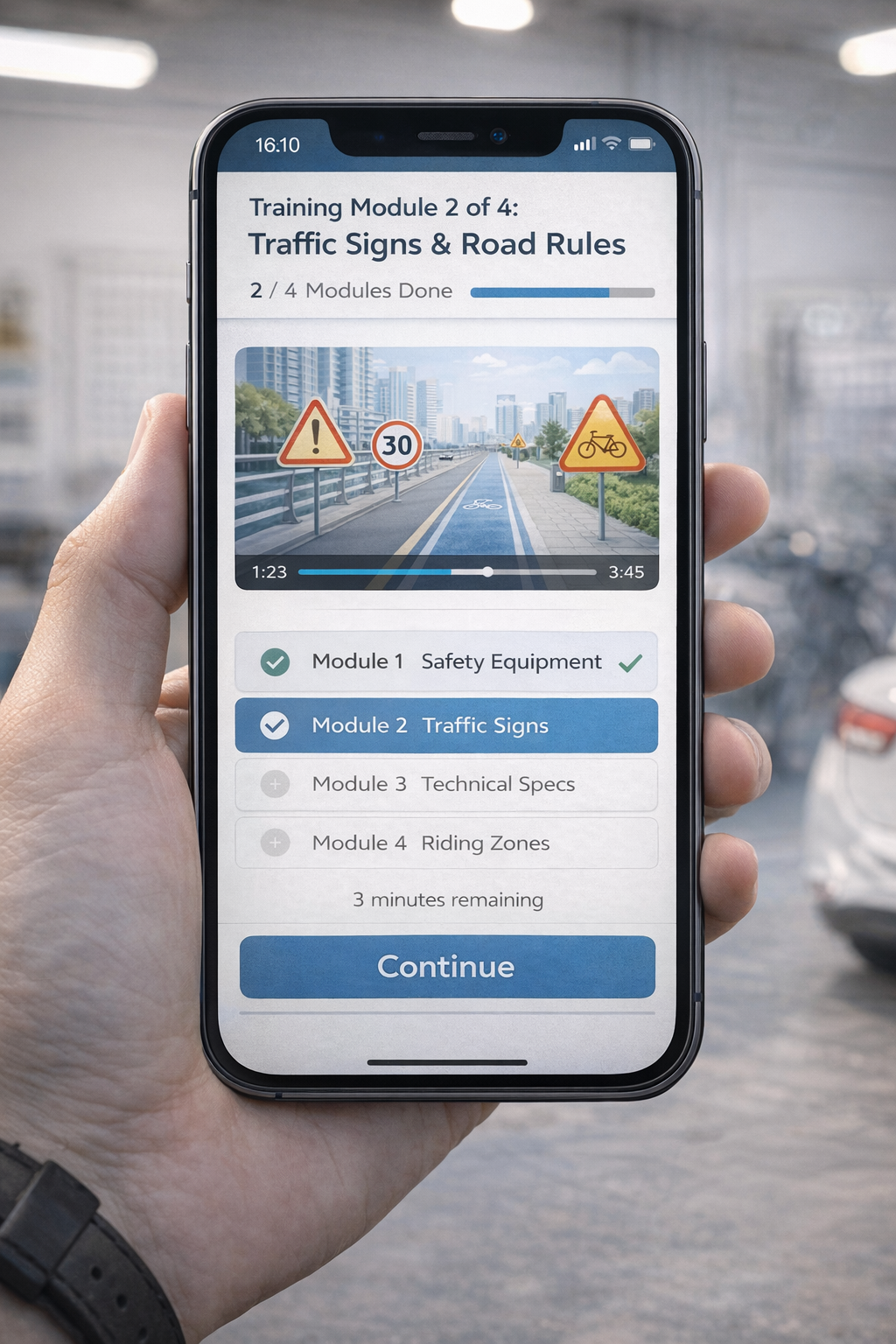
Step 4: Start the training course
Tap “Start” or “Begin Training”.
You’ll be taken to the training module. This is mandatory for everyone who doesn’t have a driving license.
- Module 1: E-scooter technical specifications (battery, motor, lights, brakes)
- Module 2: Traffic signs and road markings (what the red zones mean, speed limits)
- Module 3: Safety rules (helmet, designated zones, passenger ban)
- Module 4: Rider responsibilities (parking, pedestrians, reporting accidents)
Each module is 2-3 minutes of reading or short videos.
You can’t skip modules. You must click through all of them.
Actually read this stuff. The test pulls questions directly from these modules. Don’t just click “Next” without reading.
Step 5: Take the test
After you finish all modules, you’ll see a button: “Start Test”
Here’s what to expect:
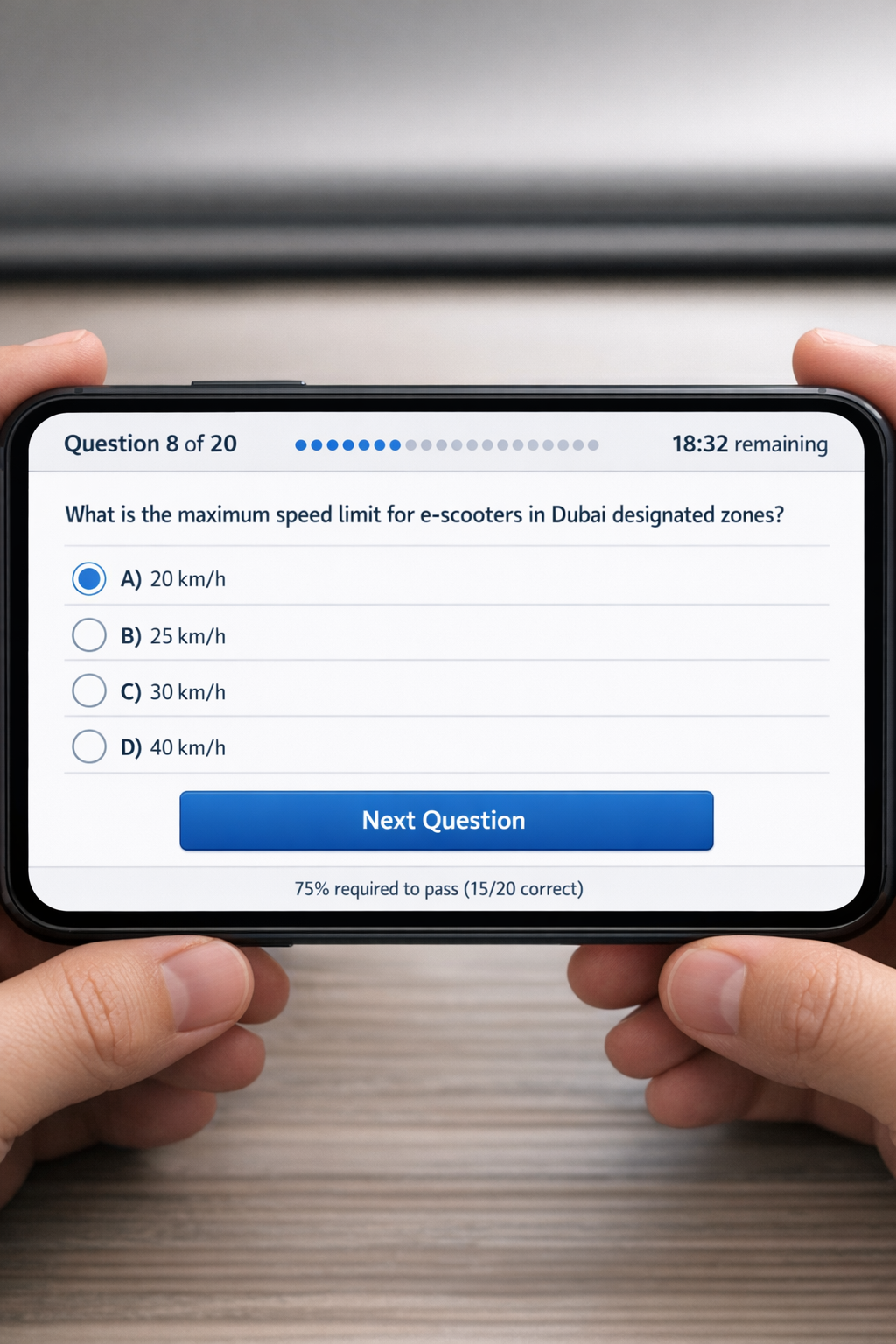
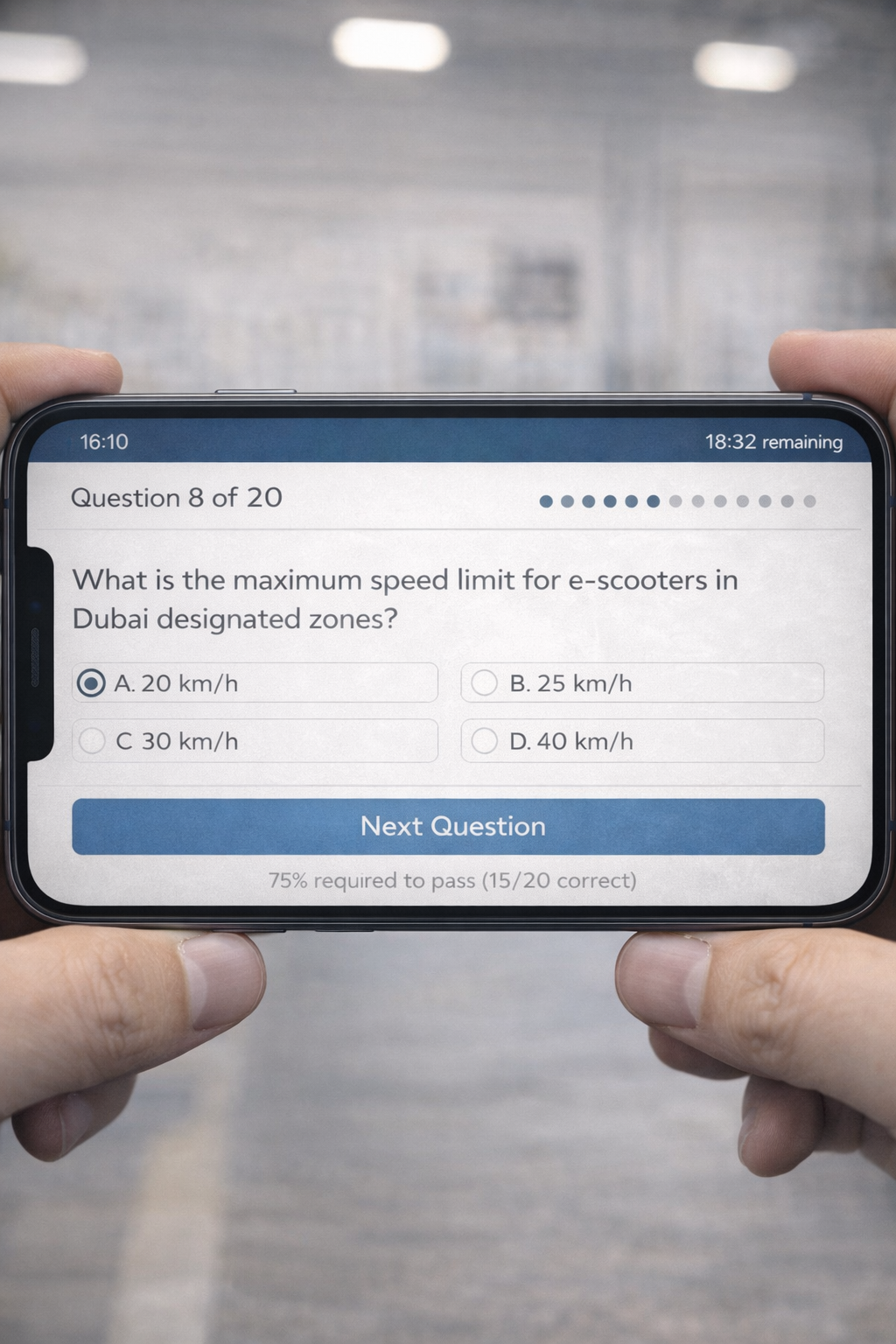
- 20 questions total
- Multiple choice (usually 3-4 options per question)
- 30 minutes time limit
- Passing score: Get at least 15 correct (75%)
- Language: Available in Arabic and English
Questions cover what you just learned:
- “What is the maximum speed for e-scooters in designated zones?” (Answer: 20 km/h)
- “Can you carry a passenger on your e-scooter?” (Answer: No)
- “What does this traffic sign mean?” [Shows red zone sign] (Answer: E-scooter prohibited)
- “What is the minimum age to ride an e-scooter in Dubai?” (Answer: 16 years)
They’re straightforward if you paid attention during training.
You can retake it immediately. No waiting period. No extra fee. Just review the modules again and try the test again.
I’ve seen exactly one person fail this test in two years. They weren’t paying attention. They retook it and passed.
Step 6: Get your permit (instantly)
Pass the test? Congratulations.
The app immediately shows: “Test Passed – Permit Issued”
Your permit is now:
- ✓ Sent to your email
- ✓ Sent via SMS (as a download link)
- ✓ Saved in the app under “My Documents” or “My Services”
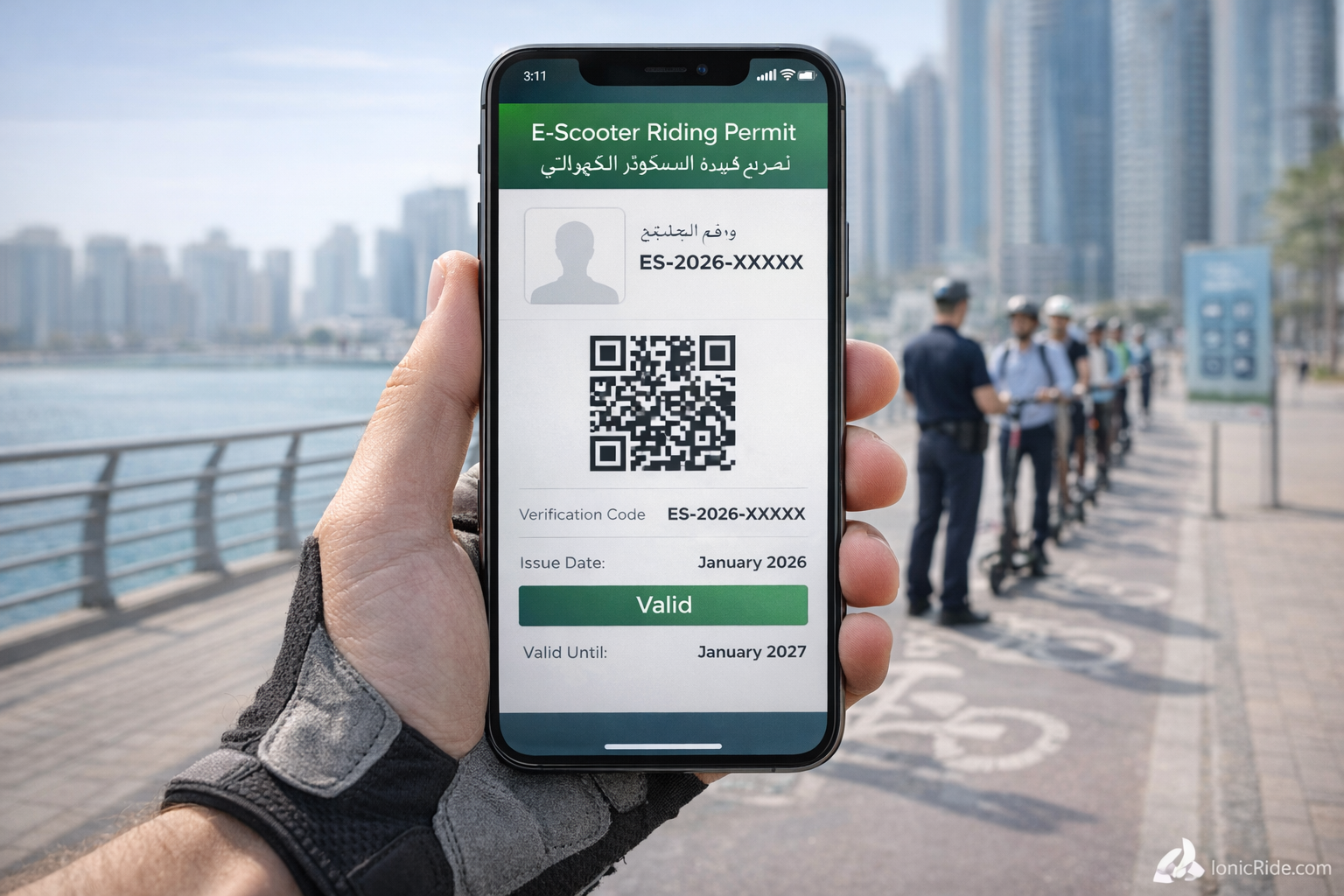
The permit looks like a digital certificate with:
- Your name
- Permit number
- Issue date
- RTA logo and stamp
It’s valid forever. You don’t need to renew it annually. Get it once, keep it forever.
What to do with your permit
You now have the permit. Here’s how to use it:
- Screenshot it. Save to your phone’s camera roll. Easier to show police than opening the app.
- Keep the RTA app. It’s the official proof. Police can scan the permit barcode in the app.
- Print a copy (optional). Some people keep a printed copy in their backpack. Not required, but doesn’t hurt.
- Don’t delete the SMS or email. Backup copies in case you lose your phone.
When police stop you, they’ll ask:
- Emirates ID or passport
- Permit or driving license
Show them the permit on your phone. They’ll check the permit number against their system. Takes 10 seconds. Done.
Common questions from customers
Do I need to carry my phone while riding?
Yes. The permit is digital. Keep your phone with you.
If your phone dies and police stop you, you’re getting fined. 200 AED for “no permit” even though you have one.
Carry a power bank if your battery life is bad.
Can I share one permit for multiple scooters?
Yes. The permit is for you, not your scooter.
You can ride any e-scooter (rental or owned) with your one permit. You don’t need separate permits for each scooter you own.
What if I’m a tourist and only visiting for a week?
Get the permit anyway. Takes 15 minutes. Free. Valid forever.
If you come back to Dubai next year, the permit still works. You don’t need to reapply.
My friend has a driving license. Can he just ride without this?
Yes. Anyone with a valid UAE or international driving license doesn’t need the e-scooter permit.
The license covers them. They should carry the license while riding.
What if I already got the permit through the website in 2023?
You’re good. Old permits are still valid.
You don’t need to reapply through the app. The permit doesn’t expire.
Can I apply for my kid?
If your kid is 17+, they can apply with their own Emirates ID.
If they’re under 17, they can’t legally get a permit. And they shouldn’t be riding independently anyway—parents are criminally liable if minors get hurt. We covered this in the laws article.
What happens if you ride without a permit?
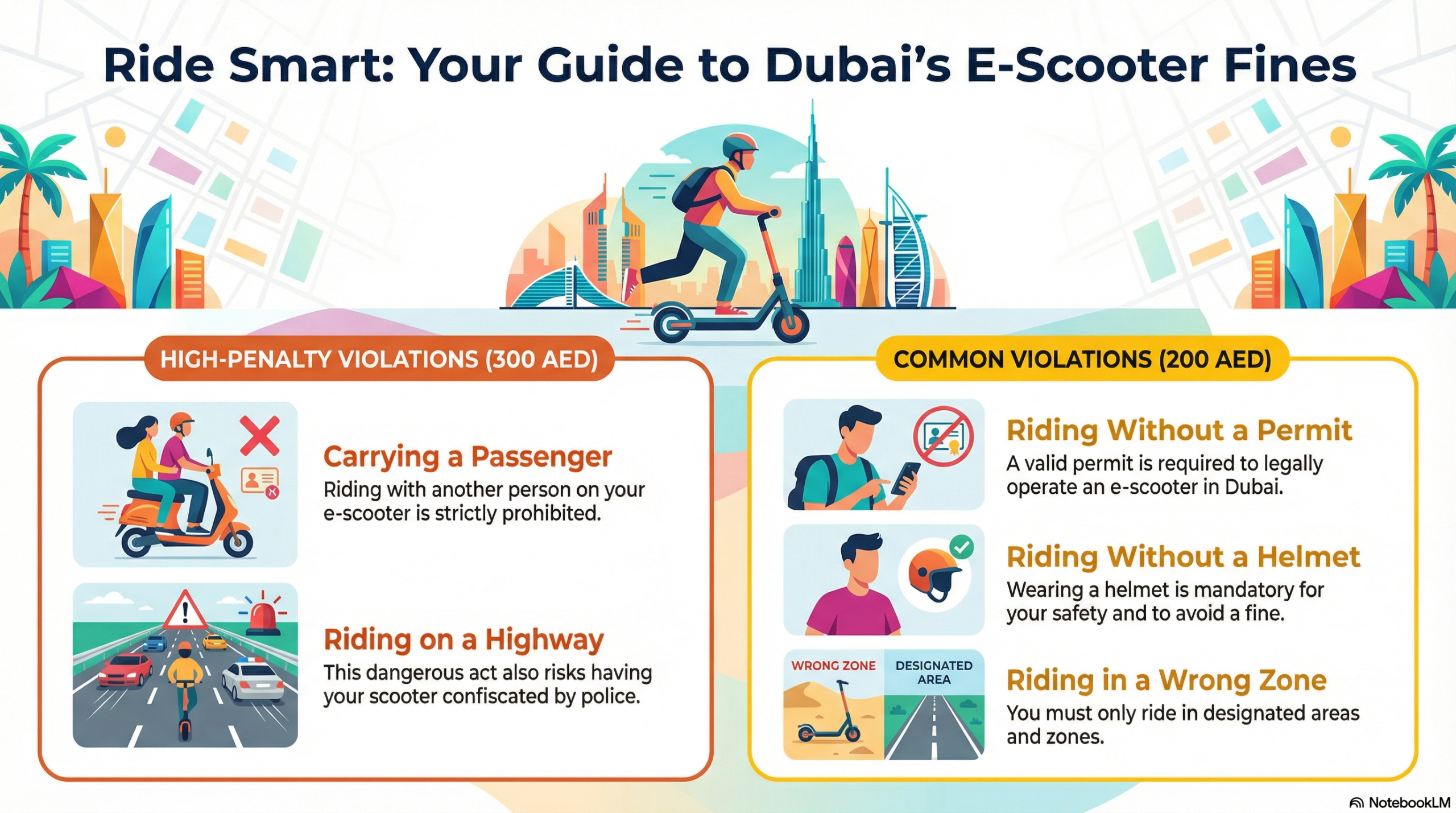
Police catch you without a permit? 200 AED fine.
No warnings. Immediate fine.
If you argue (“I’ll get it tomorrow!”), they might add more violations. Just be polite, accept the fine, get the permit before riding again.
Get caught multiple times without a permit? Police can confiscate your scooter. You’ll pay all fines + 3,000 AED release fee to get it back.
Some people just buy a new scooter. It’s cheaper than the release fee.
Troubleshooting: Problems people run into
Problem: “OTP not arriving”
Solution:
- Check if the mobile number in your Emirates ID is correct (residents)
- Make sure you’re using a working UAE mobile number (tourists)
- Wait 2-3 minutes (sometimes SMS is delayed)
- Try “Resend OTP” button
- If still failing, call RTA customer service: 800 9090
Problem: “Test says I failed but I passed”
Solution:
Passing score is 15 out of 20 (75%). If you got 14 or less, you failed.
Review your answers. The app shows which questions you got wrong. Study those topics and retake.
Problem: “App crashed during the test”
Solution:
Log back in. The system usually saves your progress. If not, you’ll have to start the test again (no penalty).
Make sure you have stable internet before starting the test.
Problem: “I can’t find the permit after passing”
Solution:
- Open RTA Dubai app
- Go to “My Services” or “My Documents”
- Look for “E-Scooter Riding Permit”
- Tap to view/download
If it’s not there, check your email. The permit PDF is attached.
Problem: “System says I already have a permit but I don’t”
Solution:
You might have applied before and forgot. Check your email (search “RTA permit”). Check the app’s “My Documents” section.
If you genuinely can’t find it, call RTA: 800 9090. They can resend it.
After you get your permit
Now you’re legal. But having the permit doesn’t mean you know the rules.
Make sure you know:
- ✓ Where you can ride (21 designated zones in Dubai)
- ✓ Speed limit (20 km/h)
- ✓ What gets you fined (no helmet, passengers, wrong zones)
- ✓ Metro rules (foldable only, 120x70x40 cm max)
We covered all of this in detail here: E-Scooter Laws Changed in 2026: What Dubai Riders Must Know Now
Three customers got their permits this week. All three immediately asked: “So can I ride to Deira now?”
Answer: Only if your route uses designated zones the entire way. Sheikh Zayed Road? Banned. You’ll get fined 300 AED and risk confiscation.
Having a permit doesn’t make every street legal. Know your zones.
One more thing: Rental scooters need this too
Planning to use Lime, Tier, Arnab, or Skurtt rental scooters?
You still need the permit (or driving license).
The rental apps will ask for your permit number during signup. Some check it against RTA’s database. Some don’t.
But if police stop you while riding a rental scooter, they’ll ask for your permit. “It’s a rental” is not an excuse.
Get the permit first, then rent scooters.
So—did you get your permit yet?
Takes 15 minutes. Free. No excuses.
Here’s the checklist again:
- Download RTA Dubai app (or go to rta.ae)
- Create account with Emirates ID or passport
- Find “E-Scooter Riding Permit” service
- Complete the 4 training modules (10 min)
- Pass the 20-question test (5 min)
- Get permit sent to email + SMS + app
- Screenshot it for quick access
Do it before your next ride. Police enforcement is real. Fines add up fast.