E-Scooter Beeping Continuously: 15 Beep Codes Decoded (All Brands Dubai)
E-Scooter Beeping Continuously: 15 Beep Codes Decoded (All Brands Dubai)
Your e-scooter won’t stop beeping. It’s been going since you turned it on — or it started mid-ride and now it’s driving you insane. You don’t know if it’s a warning, an error, or something about to fail.
The problem is that beep codes aren’t standardised across brands. A single beep on a Xiaomi means something completely different from a single beep on a Segway Ninebot. And most brands don’t publish their beep code lists anywhere useful. You end up on forums with half-answers and guesswork. Meanwhile your scooter is still beeping.
This is the full beep code reference for every major brand sold in Dubai in 2026. Single beeps, double beeps, continuous beeping — what each one means and exactly how to fix it, no guesswork.
How Beep Codes Actually Work
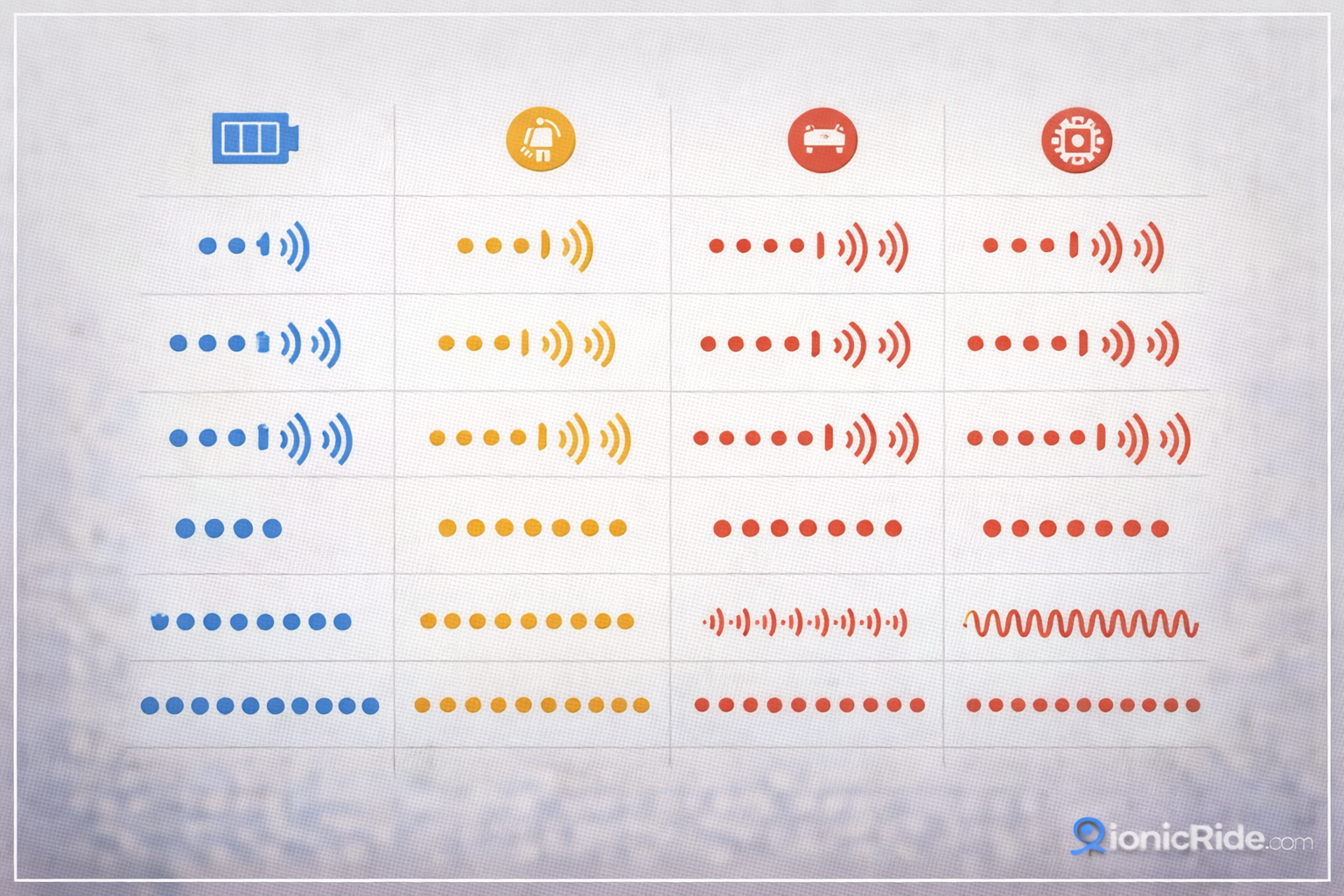
E-scooters use beeps as a communication system. The pattern — how many beeps, how long each one lasts, and whether they repeat — is the code. Different brands use different systems, but the logic is the same: the scooter is telling you something is wrong, and the beep pattern tells you what.
There are three types of beeping you’ll encounter. Single or repeated short beeps are usually warnings — low battery, speed limit alerts, or sensor checks. Long continuous beeping is almost always an error or fault condition — something the scooter has detected that it considers serious. Beeping on startup only is typically a self-check sequence, and it’s normal if it stops after 2–3 seconds.
Do this first: turn the scooter off, wait 30 seconds, turn it back on. About 20% of beeping issues are a software glitch that clears itself on a fresh power cycle. If it comes back, then work through the codes below. Also check your display — if there’s an error code on screen (E1, E2, etc.), that’s more specific than the beep alone.
Xiaomi Beep Codes: Full List
Xiaomi is the most common brand in Dubai. Mi Pro 2, Electric Scooter 2, Mi Plus — they all use roughly the same beep system, though there are minor differences between models. Here’s what each pattern means.
Xiaomi E-Scooter Beep Codes
Mi Series| Beep Pattern | Meaning | Severity | Fix |
|---|---|---|---|
| 1 short beep on startup | Normal power-on confirmation | Normal | Nothing. This is expected. |
| 3 short beeps on startup | Battery below 10% | Warning | Charge the battery. Don’t ride on less than 10% — range drops fast and the scooter may cut out. |
| Continuous beeping while riding | Over-speed warning (above 25 km/h limit) | Warning | Slow down below 25 km/h. The beep stops when you’re under the limit. If it keeps going even at low speed, check the speed sensor — it may be faulty or dirty. |
| 1 long beep, then stops | Motor overload or overtemperature | Error | Stop riding. Let it cool for 10–15 minutes. In Dubai summer, this happens more often — the motor heats up fast at 45°C ambient. If it keeps happening after cooling, the motor or controller needs checking. |
| 2 long beeps, repeating | Battery management system (BMS) fault | Error | This is a battery-level problem. Try a full charge cycle first. If it persists, the battery BMS needs professional diagnosis. Don’t ignore this one — a faulty BMS can cause unsafe charging. |
| Rapid beeping (non-stop) | Throttle fault or stuck throttle signal | Error | Release the throttle fully and check it’s not physically stuck. Clean the throttle grip area. If it’s still triggering, the throttle sensor needs replacing — AED 150–250 at a local shop. |
A customer brought in his Mi Pro 2 from the Downtown area — continuous beeping the entire ride from Sheikh Mohammed Bin Zayed Road. He thought the speed sensor was broken. Turned out the throttle lever was slightly stuck from dust buildup. Cleaned it with compressed air, tested in the Jumeirah parking lot — beeping stopped immediately. Dust is a real issue in Dubai. Clean your throttle grip monthly.
Segway Ninebot Beep Codes: Full List
But here’s where it gets interesting…
Segway Ninebot uses a different beep system from Xiaomi. Their codes are longer and more detailed — they try to distinguish between more fault types. The G30, Max G30, P100, and P100S all share the same basic system, though newer models have added codes.
Segway Ninebot Beep Codes
Ninebot Series| Beep Pattern | Meaning | Severity | Fix |
|---|---|---|---|
| 1 beep on startup | Normal power-on | Normal | Nothing needed. |
| 2 beeps on startup | Battery below 20% | Warning | Charge before your next ride. At 20% in Dubai heat, your actual range is much less than the display shows. |
| 3 beeps on startup | Battery critical — below 5% | Warning | Don’t ride. Charge immediately. The scooter may cut power mid-ride at this level. |
| Continuous short beeps while riding | Over-speed (above set limit) | Warning | Slow down. The Ninebot app lets you set the speed limit — check what it’s set to. Default is 25 km/h but some riders lower it. |
| 1 long beep + display error | Motor or hall sensor fault | Error | Check the display for a specific error code (E1–E9). A hall sensor fault means the motor can’t read its own position. This usually needs a shop — AED 300–500 depending on the model. |
| Beeping + scooter won’t move | Controller protection mode — overload or overtemperature | Error | Let it cool for 15 minutes minimum. If it’s a recurring issue in Dubai summer, you’re pushing the motor harder than it can handle in the heat. Reduce load or ride shorter distances. |
Other Brands: Himiway, Oxtail, Generic Chinese Scooters
Dubai’s market has a lot of generic and lesser-known brands — bought from Dragon Mart or through online sellers. These typically use one of two standard beep systems. Figuring out which one your scooter uses is easier than you think.
Generic Brand Beep Codes (Standard System)
Most Other Brands| Beep Pattern | Meaning | Severity | Fix |
|---|---|---|---|
| 1 beep on startup | Power on confirmed | Normal | Nothing. |
| 2 beeps on startup | Low battery warning | Warning | Charge it. |
| Continuous beeping while moving | Speed limit exceeded | Warning | Slow down. Most generic scooters are set to 25 km/h. Some have a lower 20 km/h default. |
| 3 beeps then stops | Anti-theft alarm armed | Normal | This means the anti-theft feature is active. It’s normal when you lock the scooter and step away. Unlock it through the app or by entering your code. |
| Continuous beeping, scooter won’t start | Anti-theft alarm triggered | Warning | Someone moved your scooter while it was locked — or the alarm triggered from vibration. Unlock through the app. If the app isn’t working, try power cycling the scooter. |
| Long beep + immediate shutoff | Battery voltage too low to operate | Error | Charge immediately. The battery is below the minimum operating voltage. If it won’t charge, the BMS may have tripped. See the battery troubleshooting guide. |
If your brand isn’t Xiaomi or Segway and you can’t find the beep code list, check the sticker on the frame for a manufacturer name or model number. Then Google that exact model plus “beep code” or “error code.” Most generic scooters are rebranded versions of 3–4 common Chinese platforms, and the codes are identical across all the rebrands.
The Most Common Beeping Problem: Battery and BMS
Now here’s what most people miss…
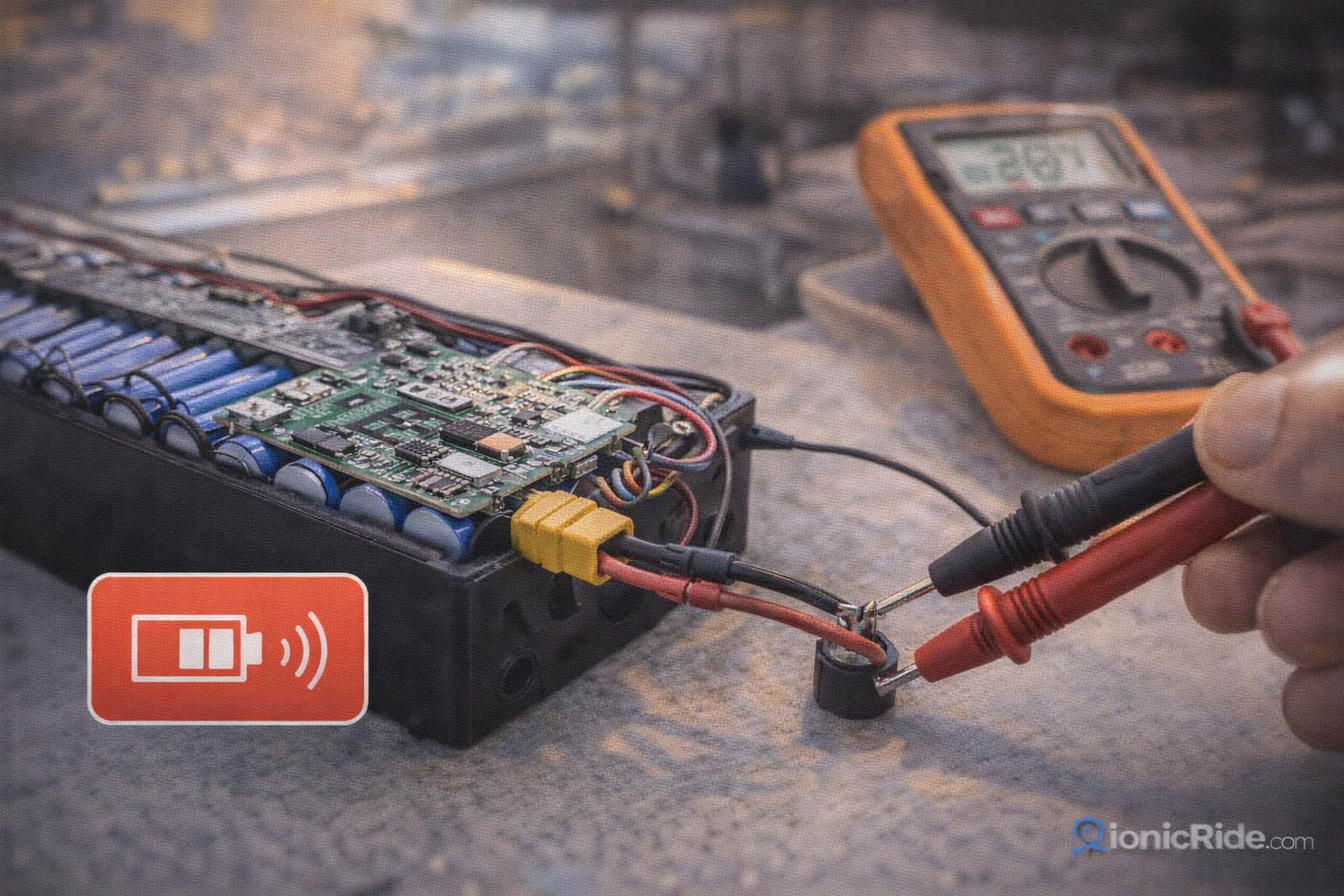
About 60% of the beeping issues we see in the shop trace back to the battery or the battery management system. In Dubai, this number is even higher — the heat degrades batteries faster, and a stressed battery triggers more warning codes than a healthy one.
Battery Below Threshold — Beeping on Startup
The scooter beeps 2–3 times on startup because the battery is low. The fix is obvious — charge it. But if this keeps happening even after a full charge, the battery capacity has degraded. In Dubai summer, a battery that’s been through one full season can lose 15–25% of its original capacity. The scooter thinks it’s low because it effectively is.
BMS Fault — Repeating Error Beeps
The battery management system has detected something it doesn’t like — voltage imbalance between cells, temperature out of range, or a communication error with the controller. A full charge-discharge cycle sometimes resets it. If it doesn’t, the BMS needs to be tested. This is not a DIY job — a bad BMS can cause a fire if it’s not reading the battery correctly.
Battery Won’t Charge and Won’t Stop Beeping
The battery has dropped below the minimum voltage that the BMS will accept for charging. This happens when a scooter sits unused for weeks in Dubai heat — the battery drains and the BMS locks it out. Some batteries can be recovered with a direct voltage boost. Others are done. Cost to replace: AED 500–1,200 depending on the brand and model.
Battery is the root cause? Here’s the full replacement guide with pricing across all brands: E-Scooter Battery Replacement Dubai: Cost, Lifespan & Which Batteries Actually Last
Quick Diagnosis: Which Beep Is Your Problem?
Use this to narrow it down fast before you start pulling anything apart.
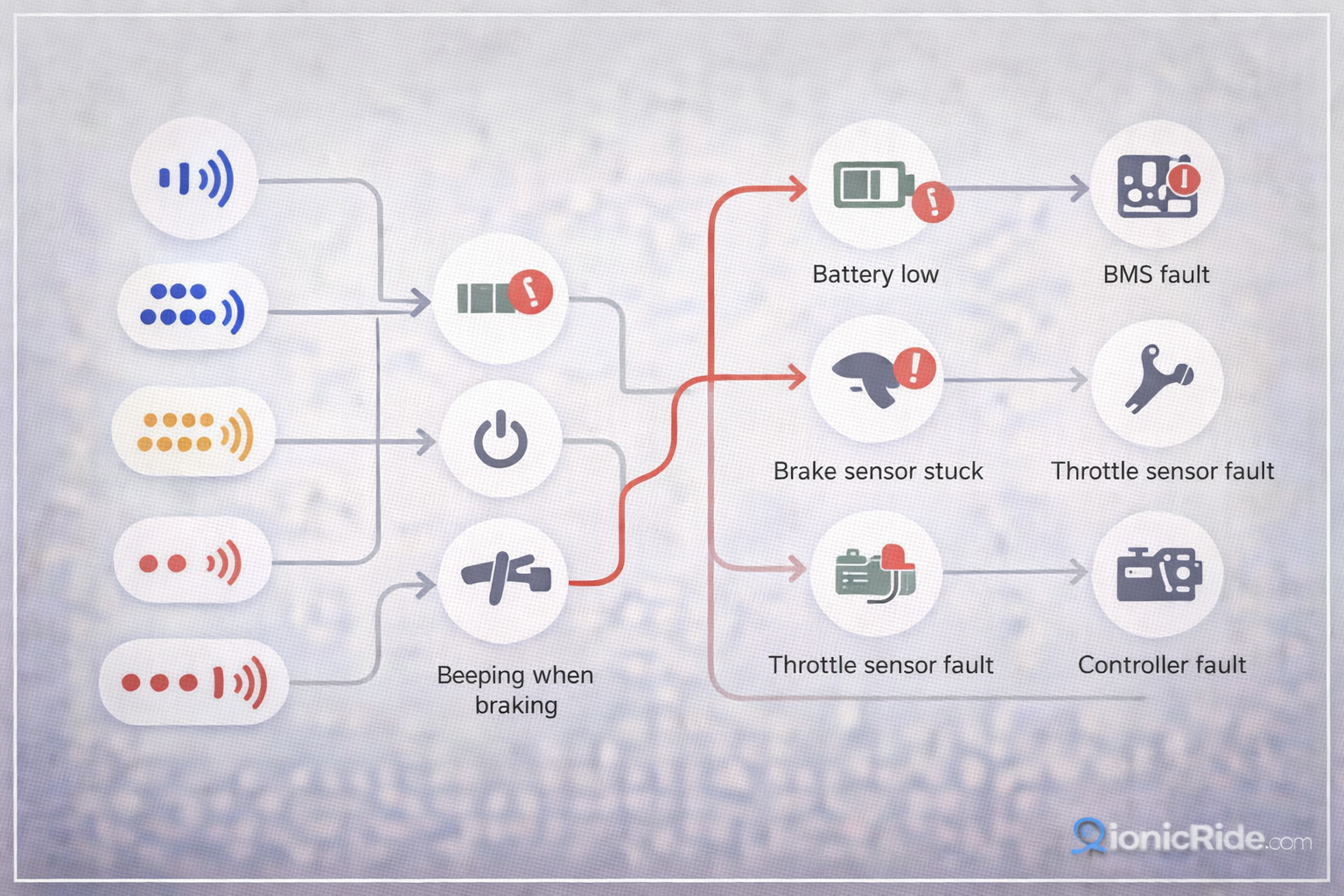
Beeping Symptom → Most Likely Cause
Quick Diagnosis| When Does It Beep? | Most Likely Cause | DIY or Shop? |
|---|---|---|
| Only on startup, 2–3 beeps | Low battery | DIY — charge it |
| Only while riding fast | Over-speed warning | DIY — slow down |
| Constant, even at low speed | Throttle sensor fault or stuck throttle | DIY first (clean throttle), then shop |
| On startup + won’t move | Anti-theft locked or BMS fault | Try app unlock, then shop |
| Intermittent, random | Loose cable connection | Check connectors, then shop |
| Long beep + immediate power loss | Motor overtemperature or overload | Let it cool. If recurring, shop |
| Repeating error beeps + display error code | Controller or BMS fault | Shop — don’t ignore |
When to Stop Troubleshooting and Call a Shop
The bottom line?
Most beeping issues fall into two categories: ones you can fix yourself in five minutes, and ones that need professional hands. The line between them is whether the problem involves the battery or the controller. Everything else — throttle, speed sensor, dust, loose connections — is fair game for DIY.
✓ Fix It Yourself
- Low battery warnings — just charge
- Over-speed beeping — slow down
- Dusty or stuck throttle — clean it
- Anti-theft alarm — unlock via app
- Loose connector — reseat it
- Power cycle glitch — turn off, wait, turn on
✗ Take It to a Shop
- BMS fault codes — battery safety issue
- Motor or hall sensor errors
- Controller errors with display codes
- Battery won’t charge after full cycle
- Beeping persists after all basic checks
- Any error you can’t match to a known code
Need to find a repair shop in Dubai? Here’s the full directory with prices and reviews: E-Scooter Repair Dubai: 20 Shops with Prices, Reviews, Wait Times
Most beeping is either a low battery warning or an over-speed alert. Both are normal. Both fix themselves when you charge or slow down.
If the beeping is continuous and doesn’t stop, it’s a fault — not a warning. The most common faults are throttle sensor issues and battery/BMS problems. Throttle faults are usually DIY. Battery and BMS faults are not — they need professional diagnosis, especially in Dubai where the heat accelerates battery degradation.
Power cycle first. Check the display for error codes. Match the beep pattern to the tables above. If nothing fits or the problem persists, it’s shop time. Don’t ride on a scooter that’s throwing error beeps — it’s telling you something is wrong for a reason.
Beeping Troubleshooting — Step by Step
- Turn off the scooter. Wait 30 seconds. Turn it back on. If the beeping is gone, it was a glitch. Done.
- Check the display. Is there an error code (E1, E2, etc.)? That’s more specific than the beep — use it to diagnose.
- Is it beeping only when you ride fast? That’s the over-speed warning. Slow down below 25 km/h.
- Is it beeping on startup only? Check the battery level. If it’s under 20%, charge it before riding.
- Continuous beeping at any speed? Check the throttle grip — clean out dust, make sure it’s not physically stuck.
- None of the above worked? It’s a battery, BMS, or controller issue. Take it to a shop. Don’t keep riding on error beeps.
Beeping sorted but the battery isn’t lasting like it used to?
Dubai heat eats batteries. Here’s how to tell if yours needs replacing — and what it’ll actually cost.